How We Made Smart Publisher’s Android Reminders Reliable
A reminder succeeds only when it arrives on time, can be seen and heard, and gives the user a clear next step when they are not ready.
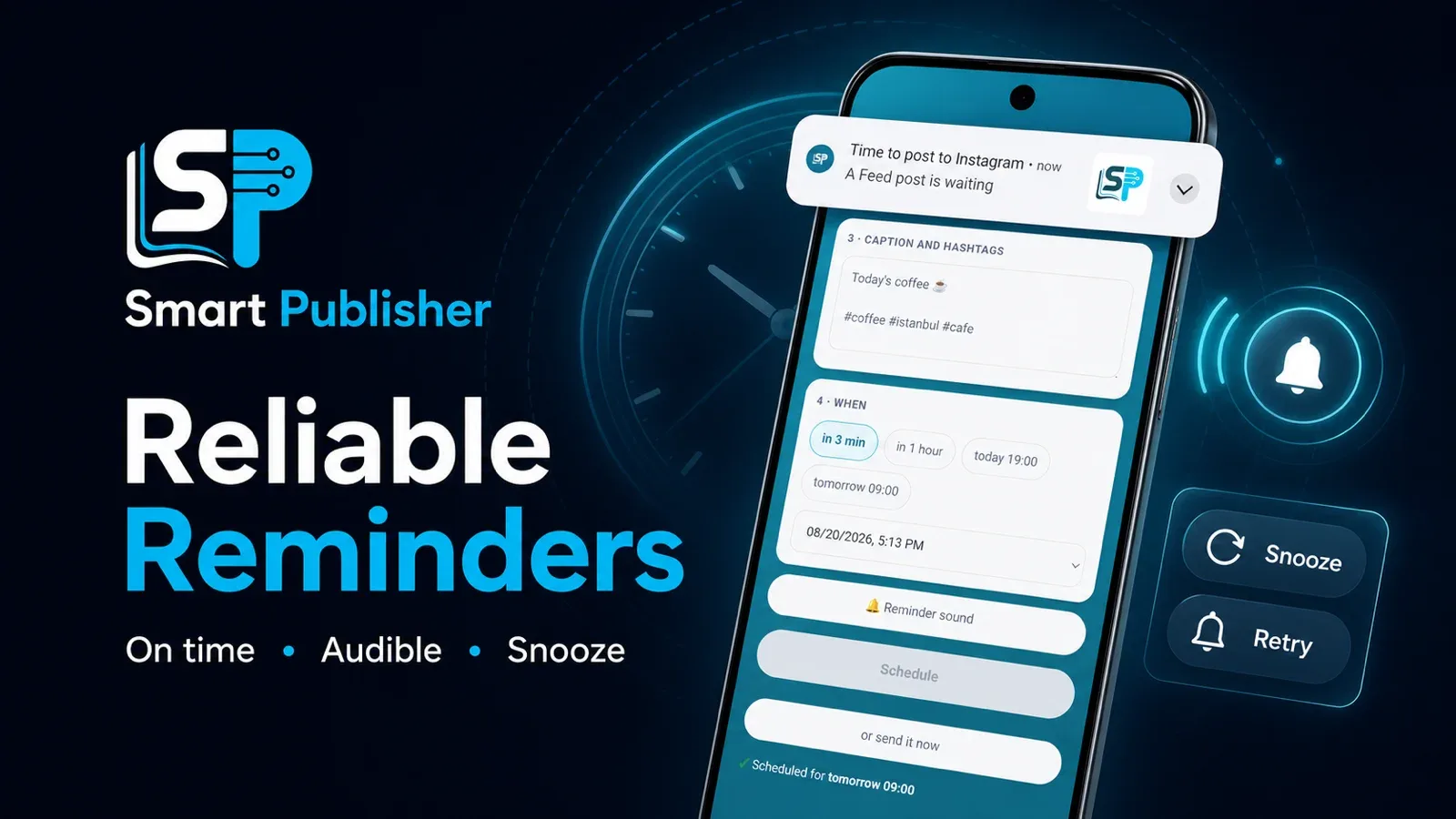
Saving an alarm is not the same as delivering a reminder. Android can accept a schedule without error while battery restrictions, exact-alarm permission, notification channels, or a sleeping device change what the user actually experiences.
While building the Smart Publisher Android app, our definition of success changed: a reminder had to be seen and heard by a real person, not merely recorded in a system log.
Timing starts when the user presses Schedule
During quick tests, an option such as “in 3 min” could look selected while the calculation still used the moment the page had opened. The interface appeared correct, but the alarm could be early or late. We fixed the source of the calculation so the countdown begins when the user confirms the schedule.
Exact timing also depends on Android permission. When exact alarms were unavailable, the fallback prevented the reminder from disappearing completely, but it could use most of Android’s allowed delay window. The lesson was simple: a fallback is protection, not a replacement for the correct permission and setup.
A notification must actually be visible
A low-importance Android channel can produce an alert with no useful banner or sound. Smart Publisher moved reminders to a dedicated high-importance channel and made the notification identity clearer through its icon, color, title, and post type.
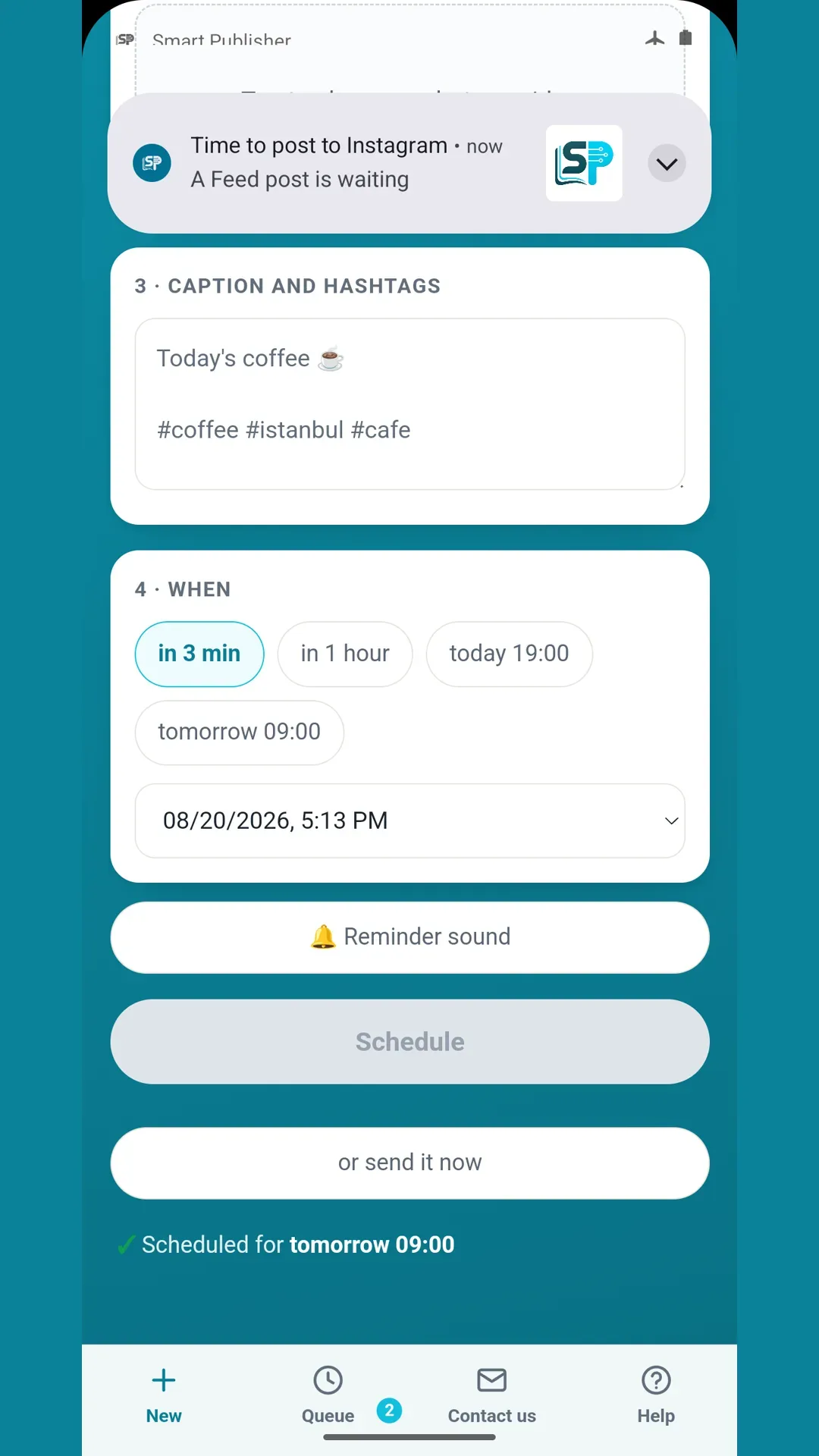
The screenshot above comes from the recorded reminder workflow used during product testing. It shows the post handoff notification together with the quick scheduling and reminder-sound controls.
One short sound is not always enough
A user may be away from the phone when the first sound plays. We extended the audible alert, added limited repeat behavior, and created a Snooze path. Initial scheduling, changing the time, postponing, and choosing “not yet” were brought closer to one shared reminder logic so they would not produce contradictory outcomes.
The human test closed the loop
The TekeraLab Logbook records the final human verification on 17 August 2026: the notification was visible, the sound was heard, and repeat, snooze, and cancellation could be controlled as one chain. This article reports that completed product history; it does not pretend a new physical-device test happened today.
Reminders arriving on time were also on the list of checks for the build installed from Google Play. See Smart Publisher's Google Play closed test checklist.
A reliable reminder is not one API call or one permission. Timing, channel importance, sound, identity, and postponement must work together before a technical alarm becomes a useful human experience.

Ask a question
Got a question about this post? Drop your email and we’ll reply.
Get notified of new posts
1–2 emails a month on social media, AI and running a small business. No spam.
Related posts
Why Smart Publisher Needed Privacy and a Stable Technical Identity Before Google Play
Before Smart Publisher entered Google Play testing, we aligned its privacy page, permanent Android identity, and product history with what the app actually does.
Smart Publisher Schedules Now Survive Phone Restarts and App Updates
Testing the real Google Play bundle exposed a reliability issue: pending schedules could disappear after a restart or update. The fix is implemented and verified.
Smart Publisher Android Begins Its 14-Day Google Play Closed Test
Twelve testers are now opted in to Smart Publisher Android’s closed test. The required 14-day Google Play testing period is underway.