Smart Publisher for Android Doesn’t Auto-Post to Instagram—and That’s the Point
Smart Publisher for Android prepares your media, caption and reminder, then hands you to Instagram. You review and complete the final publish step.
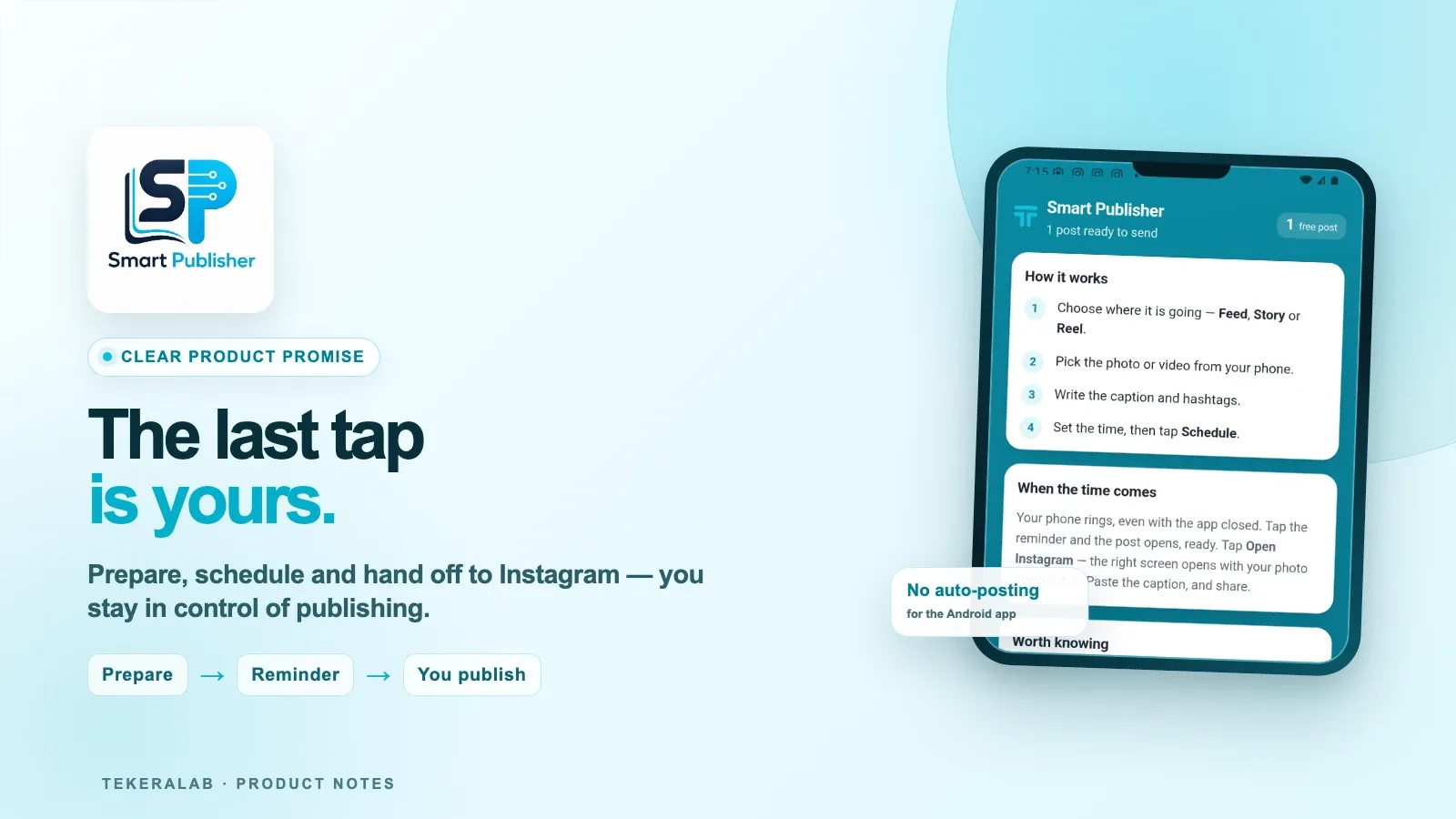
Smart Publisher exists in more than one form, and those versions do not all publish in the same way. This article is specifically about the Smart Publisher Android app: it prepares your media and caption, reminds you at the right time, and hands the post to Instagram. You review it and complete the final publish step yourself.
That is different from Smart Publisher Web. When a web user connects an eligible Meta account, the web product can publish automatically through that connection. A future iOS app may follow a different model too, but we will only describe its behavior after it has been built and verified.
What the Smart Publisher Android app actually does
The Android app is designed to remove the repetitive work around an Instagram post without pretending that a handoff is the same as publication.
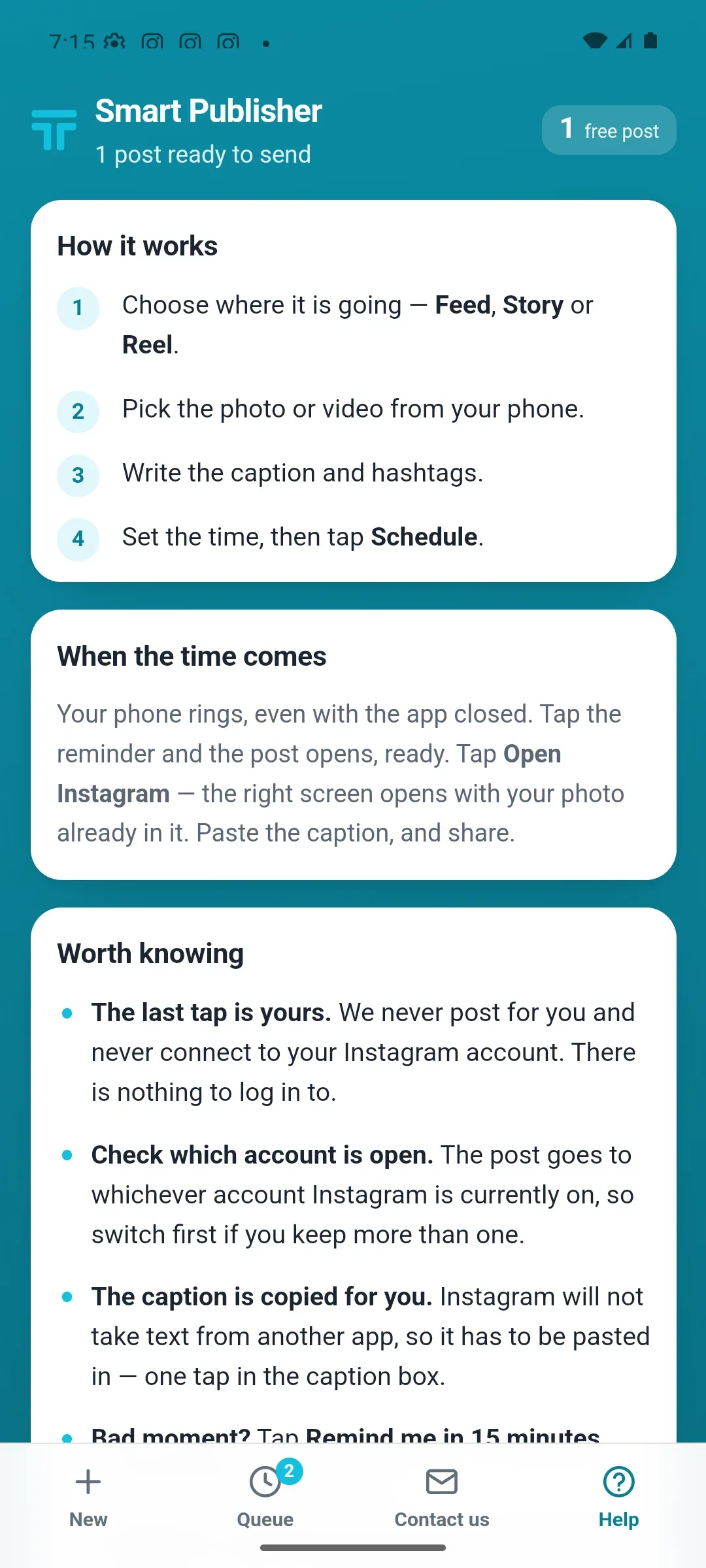
You choose whether the post is for Feed, Story, or Reel, select the photo or video from your phone, add the caption and hashtags, and set a time. Smart Publisher keeps that plan in a queue and rings a reminder at the minute you selected.
When the reminder arrives, the post opens ready for the next step. The app can take you to the appropriate Instagram flow and copy the caption for you. You then review what Instagram shows and tap the final Share button yourself.
That last tap matters. It keeps the final decision visible instead of claiming success just because Instagram opened.
A handoff is not the same as an automatic post
It is tempting to say “the post was published” as soon as another app opens Instagram. Technically and practically, that is not accurate.
Opening the destination only proves that the handoff started. The user may still change the caption, switch accounts, cancel, or decide not to publish. Smart Publisher for Android therefore describes the moment honestly: the content is ready to publish, not already published.
This distinction also prevents the product from showing a false success state. A post should not disappear from the queue merely because Instagram opened. The outcome depends on what the user does next.
How the Android workflow looks
- Choose Feed, Story, or Reel.
- Pick a photo or video from the phone.
- Write the caption and hashtags.
- Set the time and schedule the reminder.
- When the phone rings, open the prepared post.
- Continue to Instagram, review everything, and publish.
The app also reminds you to check which Instagram account is currently active. The post goes to the account that is open in Instagram, so users who manage more than one account should switch before completing the handoff.
Why we chose a clear product promise
Good automation is not measured by how many human actions it hides. It is measured by whether it removes the right work without hiding an important decision.
For the Android app, Smart Publisher handles preparation, timing, reminders, and handoff. The user keeps control of the final Instagram publication. That makes the product promise easier to understand and the result easier to trust.
The web product has a different boundary. With an eligible Meta connection, Smart Publisher Web can automate publication after the user reviews and applies a plan. We keep these two product surfaces separate because combining their claims would mislead both audiences.
What about iOS?
An iOS version is a future product surface. We are not assigning the Android or web behavior to it in advance. Its publishing model will be documented only after implementation and live verification.
The short version
Smart Publisher for Android prepares the post and gets you to the right place at the right time. You complete the final publication in Instagram.
Smart Publisher Web may publish automatically when connected to Meta. They share a product family, but they do not share the same publishing boundary.

Ask a question
Got a question about this post? Drop your email and we’ll reply.
Get notified of new posts
1–2 emails a month on social media, AI and running a small business. No spam.
Related posts
Why Smart Publisher Needed Privacy and a Stable Technical Identity Before Google Play
Before Smart Publisher entered Google Play testing, we aligned its privacy page, permanent Android identity, and product history with what the app actually does.
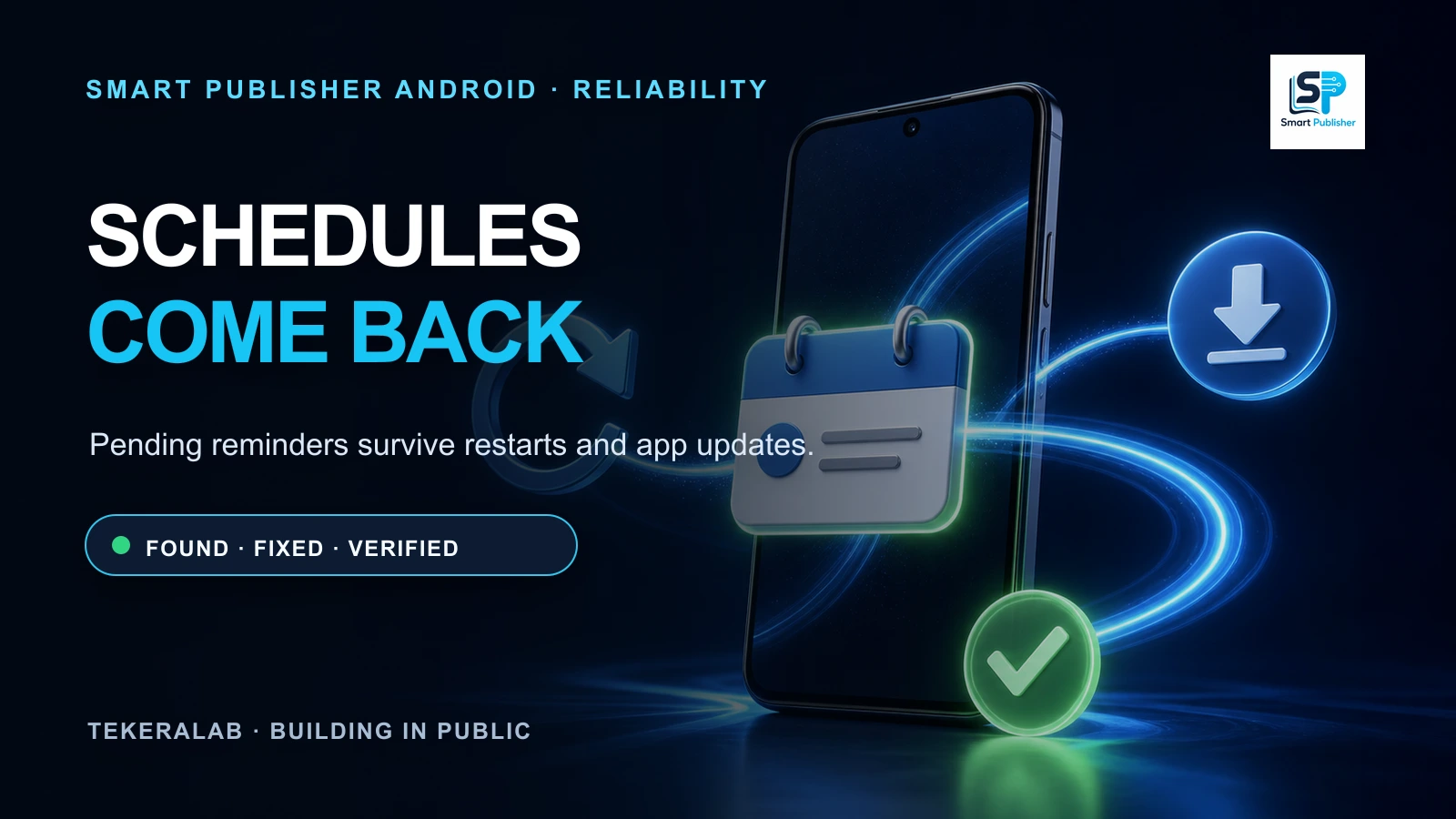
Smart Publisher Schedules Now Survive Phone Restarts and App Updates
Testing the real Google Play bundle exposed a reliability issue: pending schedules could disappear after a restart or update. The fix is implemented and verified.
Smart Publisher Android Begins Its 14-Day Google Play Closed Test
Twelve testers are now opted in to Smart Publisher Android’s closed test. The required 14-day Google Play testing period is underway.