When Notification Permission Is Denied: How Smart Employee Android Shows the Way Back
On Android 13 and later, a denied notification permission may not show the same prompt again. Smart Employee Android now explains the state and opens the correct settings path.
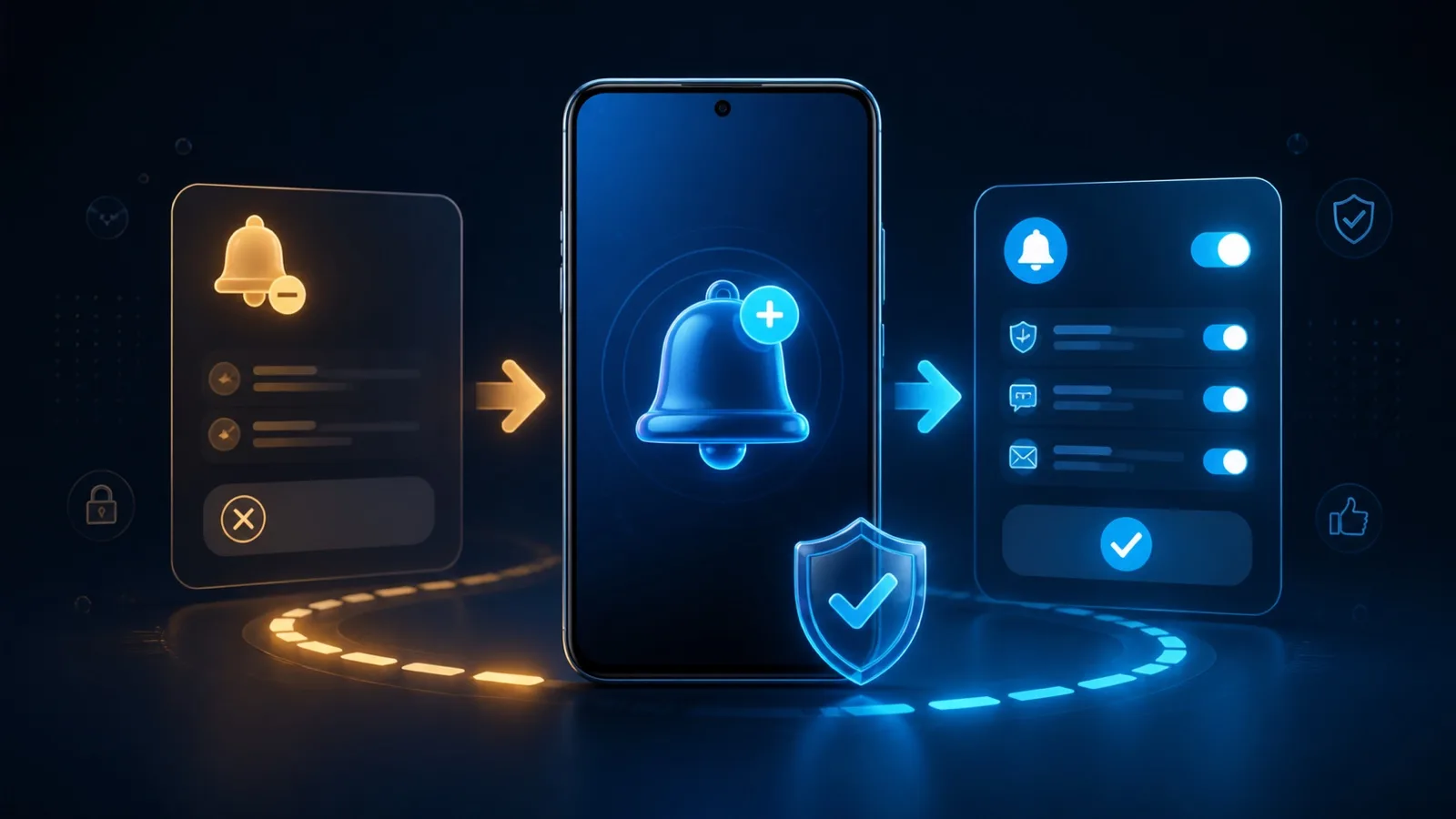
Smart Employee Android is a TekeraLab app designed to support everyday work with timely notifications. On Android 13 and later, the app must ask for permission before it can send those notifications.
The confusing part can appear after a user chooses “Don’t allow.” The next request may not show the same system dialog again. From the user’s perspective, tapping the permission button seems to do nothing.
Three states, not one yes-or-no answer
A notification permission may still be requestable, Android may expect the app to explain why it is needed, or the direct request may no longer help and the setting must be changed in Android Settings. Treating all three states as simply “denied” produces poor guidance.
Smart Employee Android now distinguishes the blocked case. It explains why the dialog is not appearing and gives the user a direct route to the notification settings for that app.
Control remains with the user
This change does not bypass Android or activate notifications secretly. The final decision remains with the user and the operating system. The app only replaces a dead end with a clear explanation and a visible next step.
That distinction matters for trust. A responsible permission flow does not pressure the user. It explains the current state, says what the app can and cannot do, and lets the user choose.
A wider Android design lesson
A technical value such as “denied” is not enough to design a human experience. The product must understand whether the user can decide in the current screen or needs to move to system settings.
Completion is not merely calling a permission function. The user should understand what happened, what remains under their control, and where to go next.
When Android does not ask again, the product should not leave the user with a silent button. It should explain the reason and show the safe way back.
Ask a question
Got a question about this post? Drop your email and we’ll reply.
Get notified of new posts
1–2 emails a month on social media, AI and running a small business. No spam.
Related posts

Why Smart Publisher Needed Privacy and a Stable Technical Identity Before Google Play
Before Smart Publisher entered Google Play testing, we aligned its privacy page, permanent Android identity, and product history with what the app actually does.
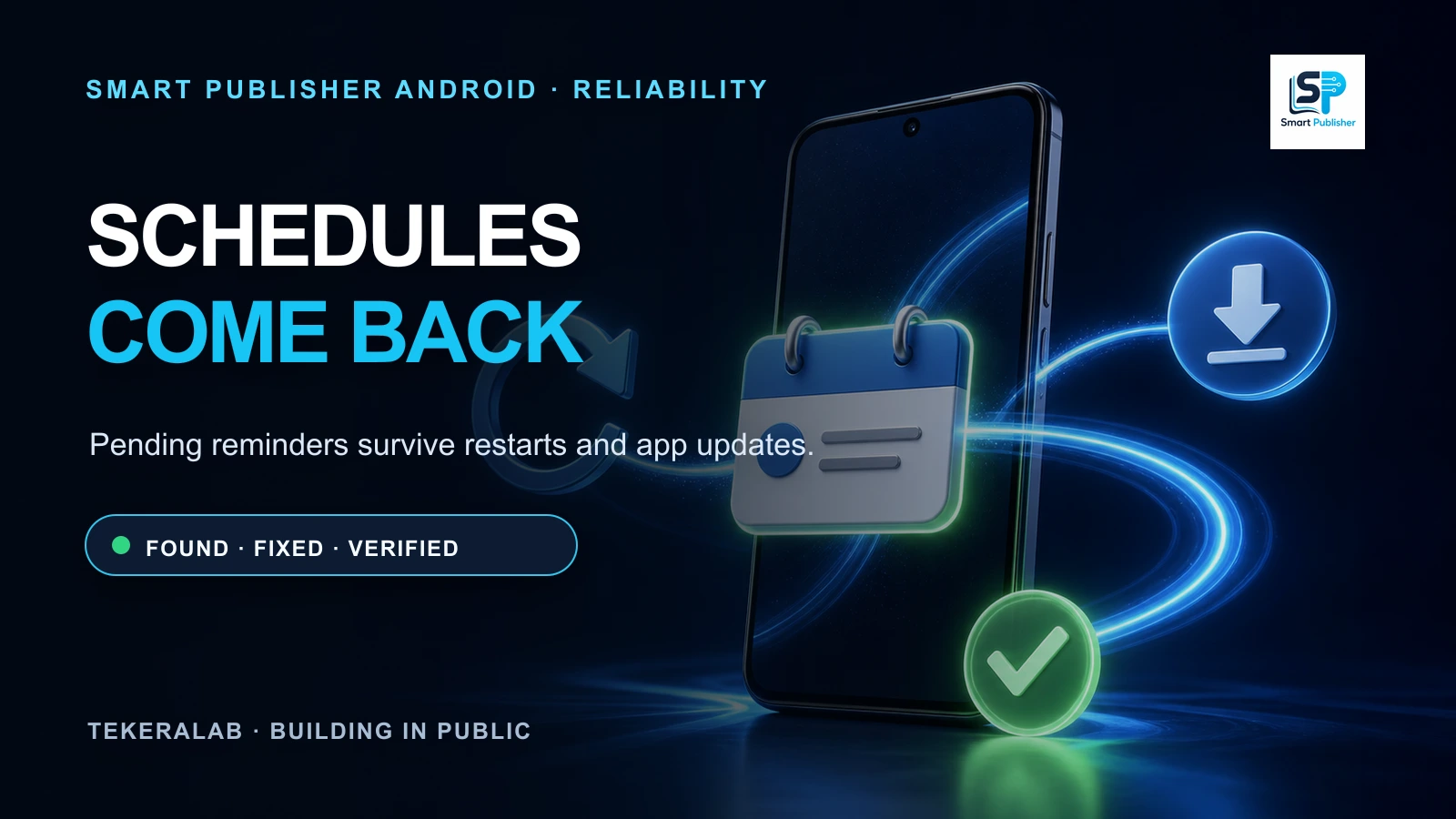
Smart Publisher Schedules Now Survive Phone Restarts and App Updates
Testing the real Google Play bundle exposed a reliability issue: pending schedules could disappear after a restart or update. The fix is implemented and verified.
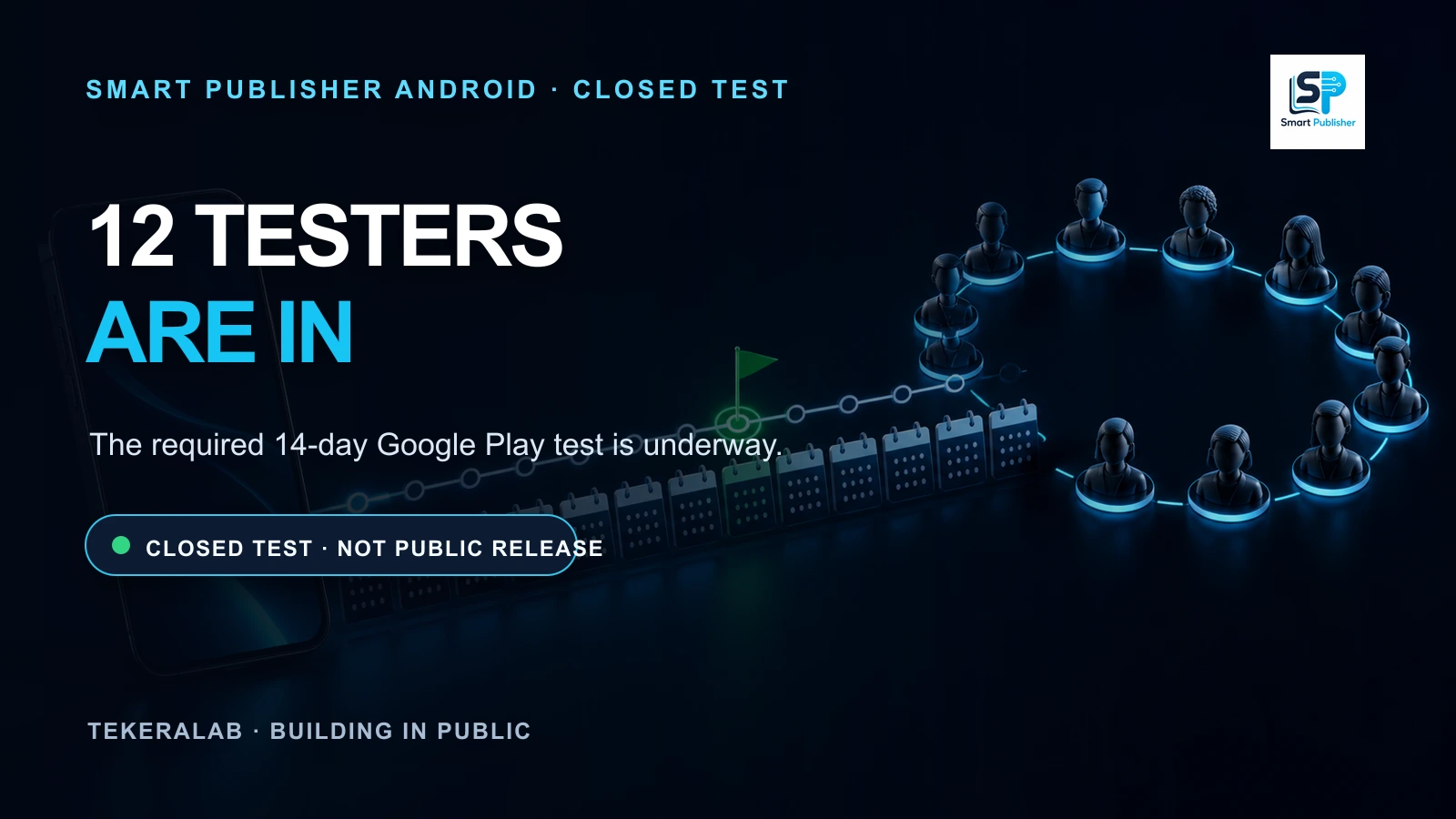
Smart Publisher Android Begins Its 14-Day Google Play Closed Test
Twelve testers are now opted in to Smart Publisher Android’s closed test. The required 14-day Google Play testing period is underway.