How to Prevent OAuth Expiry from Taking Every AI Agent Offline
When several AI agents share one OAuth connection, one expired token can silently stop an entire workflow. This practical guide builds a monitored recovery loop.
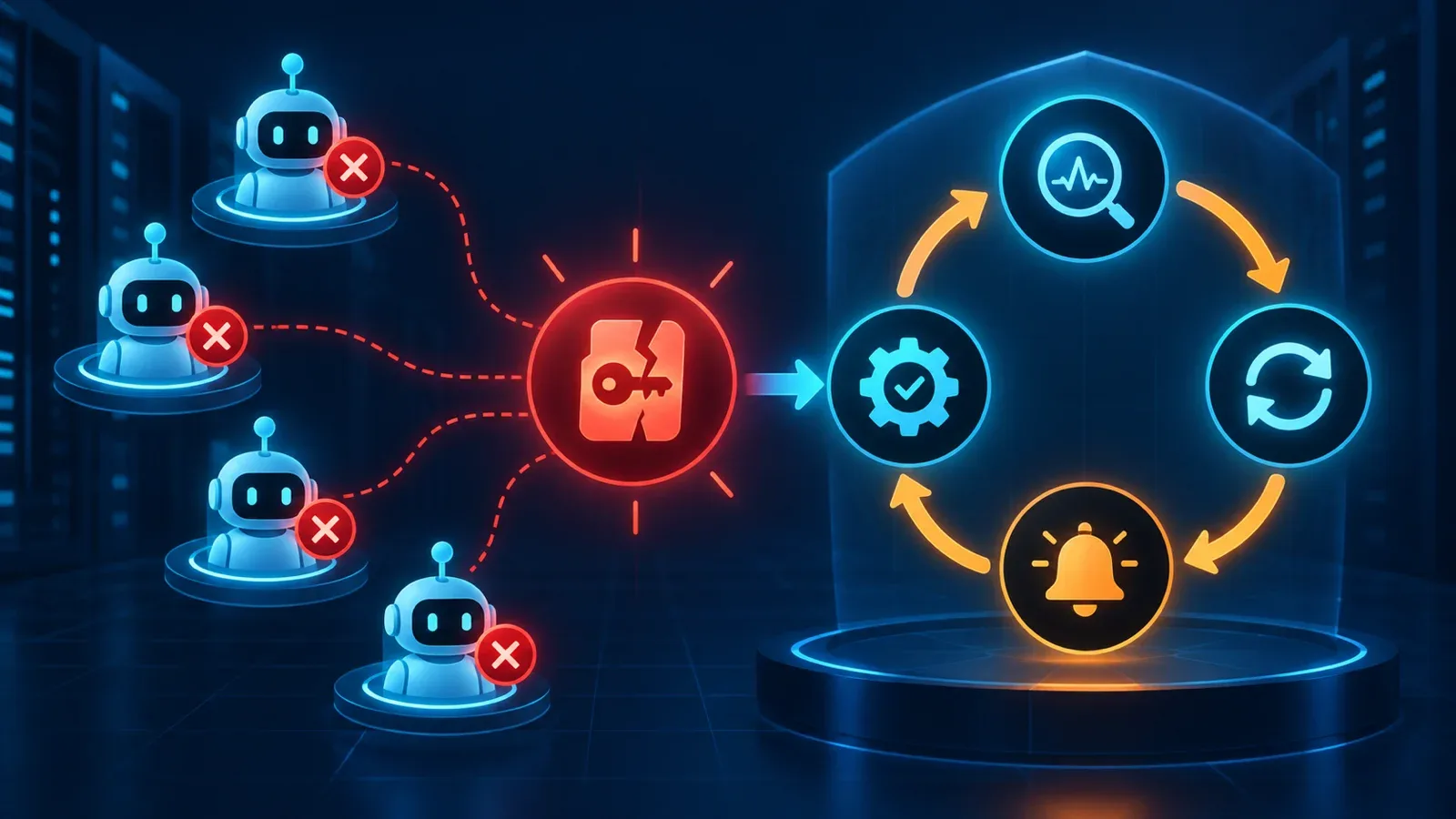
When several AI agents depend on one shared authorization, the expiry or revocation of a single token can make the whole workflow fail at once. The fix is not endless retrying. Treat the credential as live infrastructure with monitoring, preventive refresh, actionable alerts, and a controlled recovery path.
How one small failure becomes a collective outage
Imagine five agents reading data, sending reports, or calling tools through the same OAuth connection. While the authorization is valid, every agent looks healthy. When that authorization becomes invalid, five apparently unrelated errors appear at the same moment. A dashboard that shows only agent-level status can send the team chasing five separate incidents instead of the shared root cause.
We saw this pattern during an internal TekeraLab operation: one authorization expired and several agents stopped together. Confidential details are omitted, but the operational lesson is general. A shared credential is an infrastructure dependency and should be monitored like a database or message queue.
Why automatic refresh is not enough
Automatic refresh is necessary, but it is not a guarantee. Google’s OAuth policy explains that a refresh token can become invalid because access was revoked, security protections were triggered, or the token expired. A resilient design cannot assume that refresh will always succeed.
Separate temporary failures from failures that require intervention. A network timeout may justify a limited retry. An invalid_grant response, revoked scope, or repeated refresh failure should stop the retry loop and create an actionable alert. Infinite retrying produces more logs while delaying recovery.
A four-stage authorization-control loop
- Monitor: Record the last successful call, the last refresh time, required scopes, and authentication-error count for every connection. Connection health must be visible separately from agent health.
- Refresh: Refresh before the expected expiry boundary, then verify the result with a real, low-risk API request. Receiving a new token is not proof that the API works.
- Alert: State which connection failed, how many agents and tasks are affected, and what the next action is. “Something went wrong” is not an operational alert.
- Recover: Keep reauthorization explicit, limited, and auditable. A human restores access, the system tests the connection, and dependent agents are released gradually rather than all at once.
Three gates that stop the failure from spreading
First, run a cheap health check before any dependent job starts. Second, add a circuit breaker: when shared authentication errors cross a threshold, stop all dependent agents so the queue does not grow without purpose. Third, require recovery verification: after reauthorization, run one real read-only sample and reopen the queue only if it succeeds.
These gates reduce detection time, outage scope, and premature recovery. The goal is not to eliminate every error; it is to stop an expected authentication failure from becoming an unexplained shutdown.
Implementation checklist
For every credential, record an owner, dependent services, test method, alert threshold, and recovery path. Never place secrets inside prompts or logs. Record refresh times and health-check outcomes, but never token values. Run a periodic recovery drill to prove that the written procedure actually works.
If you do only one thing today, build a dependency map: which agents rely on each authorization? During an incident, that map reveals whether an authentication error is local or threatens the entire workflow.
Quick answers
Does a refresh token always remain valid until a known date?
No. A provider can invalidate it because access was revoked, security policy changed, or the token expired. The system should treat this as a normal, recoverable state.
When should a human be alerted?
When automatic refresh fails, several agents show authentication errors at once, or the remaining time to expiry falls below a defined threshold.
Conclusion
OAuth authorization is not a permanent setting. It is a live dependency with a lifecycle and expected failure modes. Turn monitoring, refresh, alerting, and recovery into a tested loop so one credential cannot silently take every agent offline.
Official source
Ask a question
Got a question about this post? Drop your email and we’ll reply.
Get notified of new posts
1–2 emails a month on social media, AI and running a small business. No spam.
Related posts
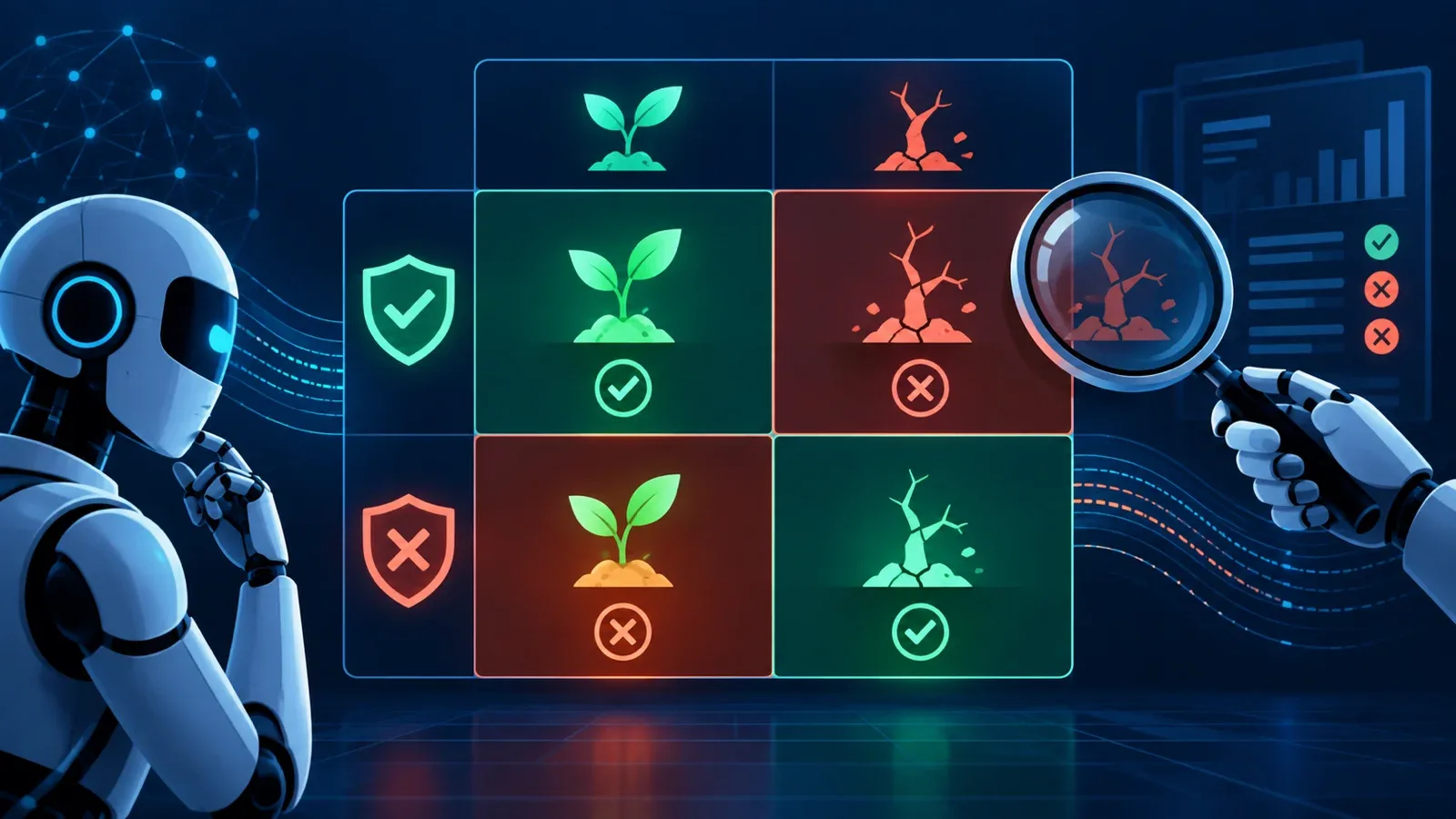
A Green Gate Is Not Enough: Finding False Passes and False Fails
A gate can approve broken output and reject healthy output. Measure false passes and false fails separately before you trust its green light.
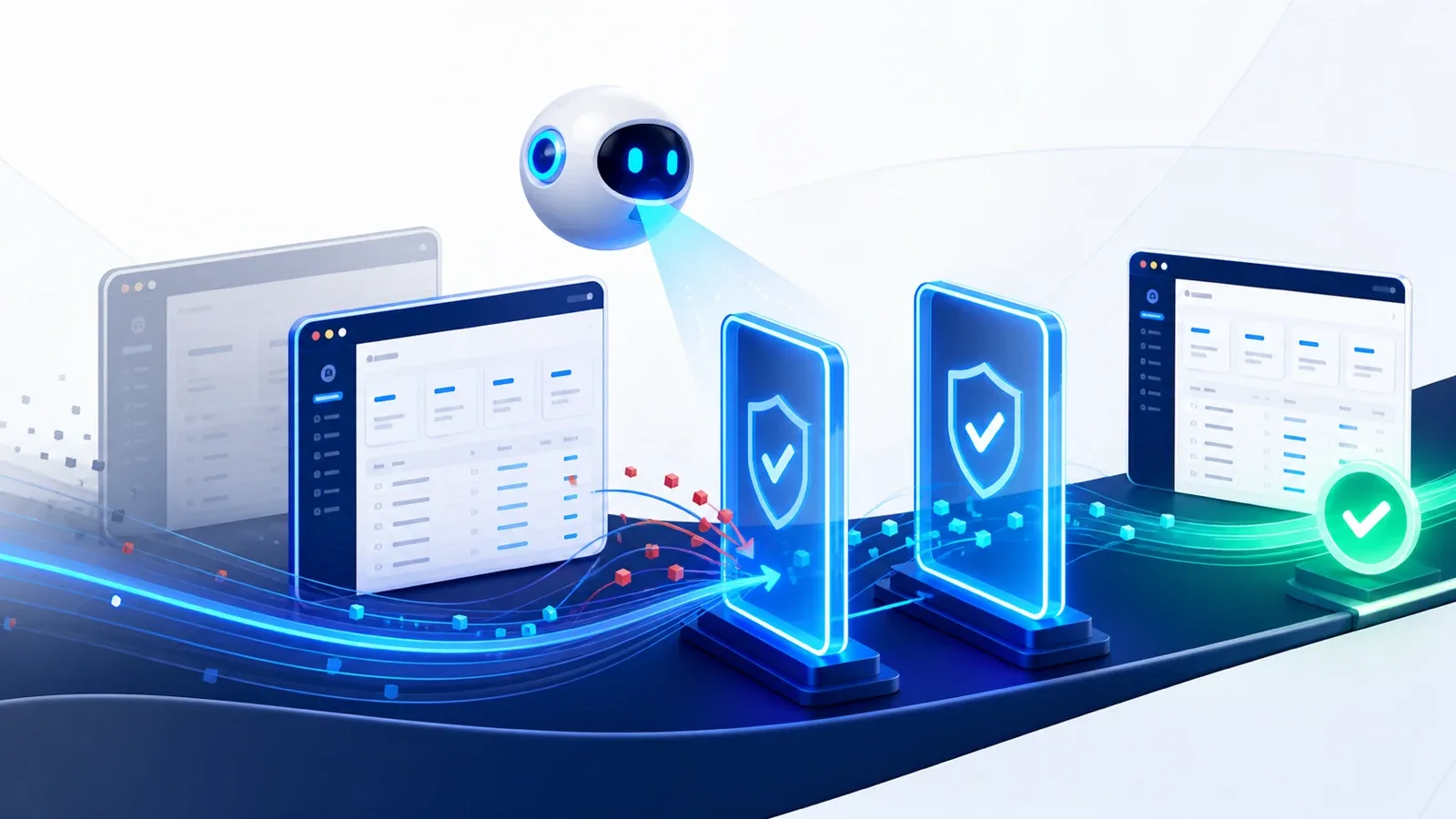
A Small Mistake in Our Agentic Team—and the Two Safety Gates That Stopped It
TekeraLab’s Admin UI sometimes stayed on an older version. Merlin found the cache-policy cause, two incomplete fixes were stopped, and the final change was executed with human approval.